Find Friend's Fragrance
- Home
- Find Friend's Fragrance
Find a friend’s fragrance...
Ordering a refill gift for another is simple here is the quick step guide:
- Create an account if you don’t already have one.
- Log in and enter the email address your friend used when registering their fragrance.
- Add their fragrance to your account, then select it when choosing a refill.

You must be logged in to find a friend’s Personal Fragrance(s).

Create an account or log in
Log in to your account or create one. You need an account to be able to store your loved fragrance name and unique formula.

Locate their fragrance
Once logged in, visit the "Friend Finder" or "My Fragrance" page. Add their email to the box and click "Find Fragrance". All scents associated with that email will become visible.

Add to your account
Select the scent(s) you'd like to add by checking the box to the left, then click "Add fragrance to my account". When you shop refills - their fragrance name will appear in the drop down.
Struggling to find your friends blend?
Try another email address that could be associated with their fragrance.
If you still can’t find it, contact our Customer Service Team with your friend’s name, and the date and location of their experience. We’ll do our best to help!
Note: Locating their fragrance is only possible if they provided permission to retain their fragrance details when they registered.
A little gift with a lot of meaning
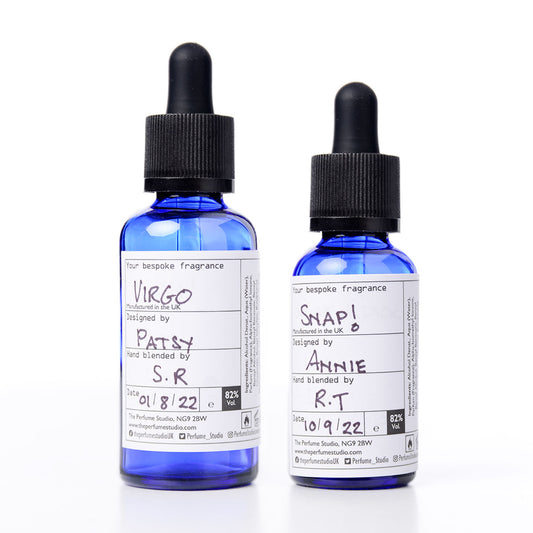
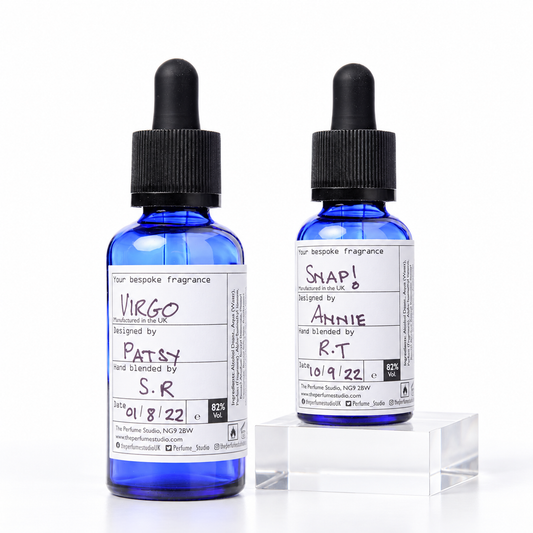
Bespoke Fragrance Refill
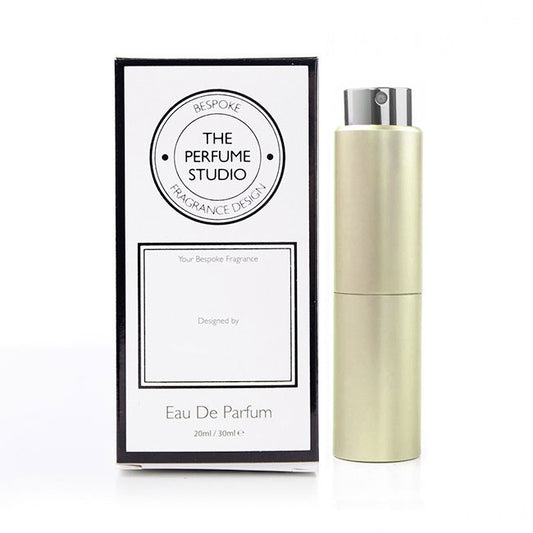
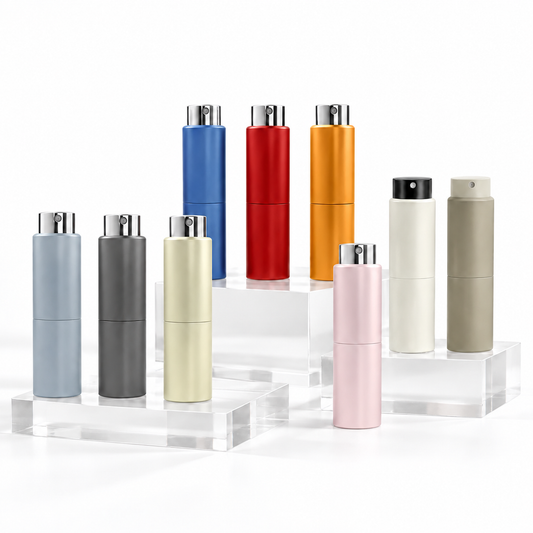
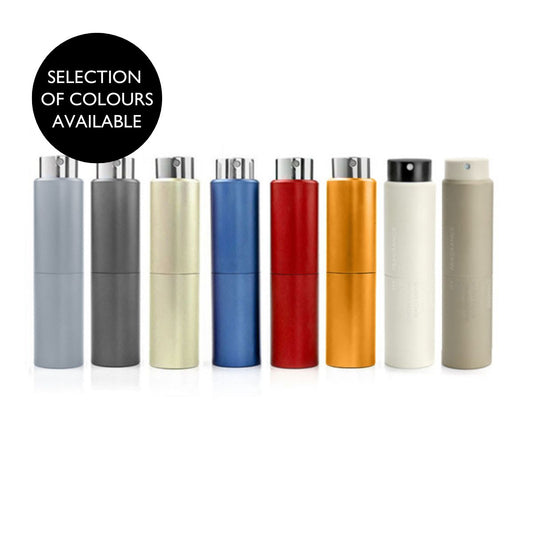
20ml Twist Up Atomiser
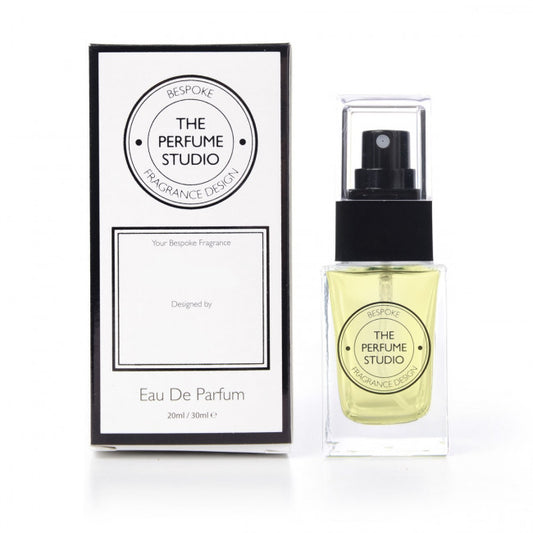
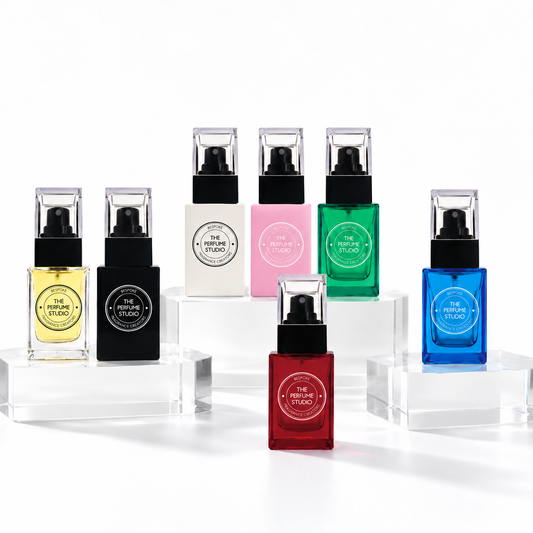
30ml Glass Atomiser
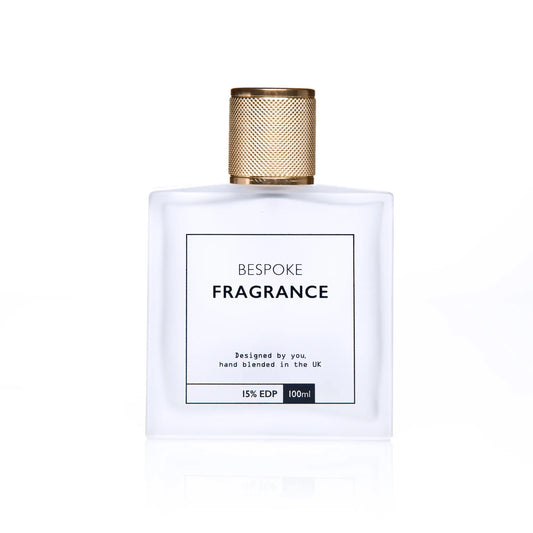
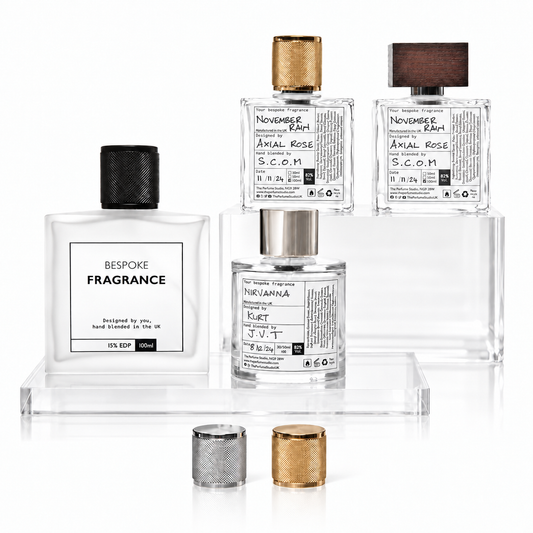
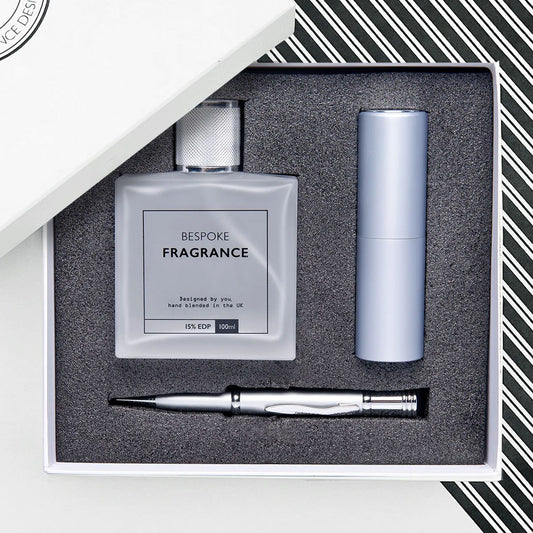
100ml Bespoke Fragrance (Customisable Atomiser)
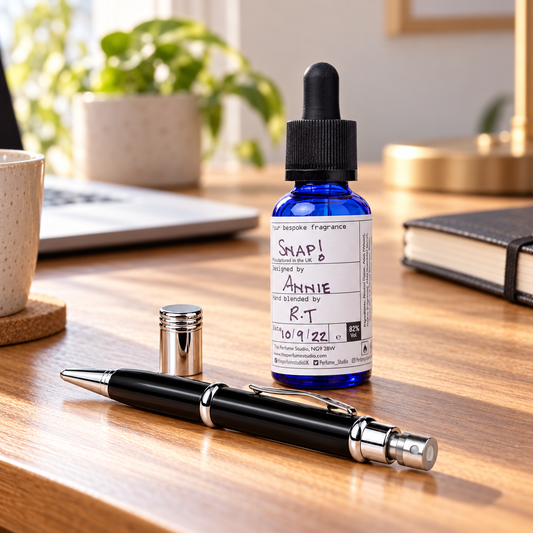
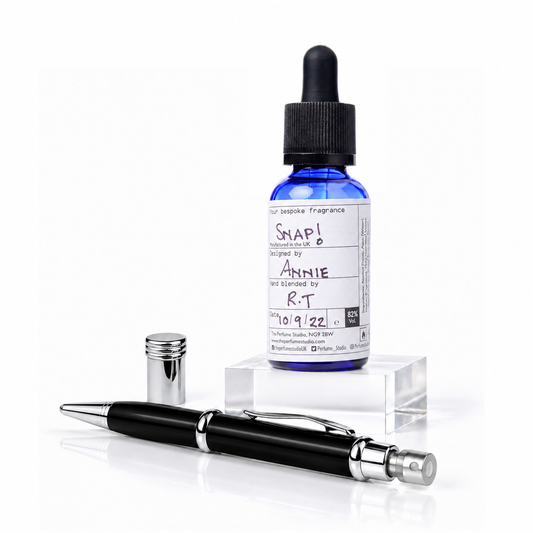
Secret Atomiser Pen with 30ml Refill